 FAM
FAMSay it, and it’s done
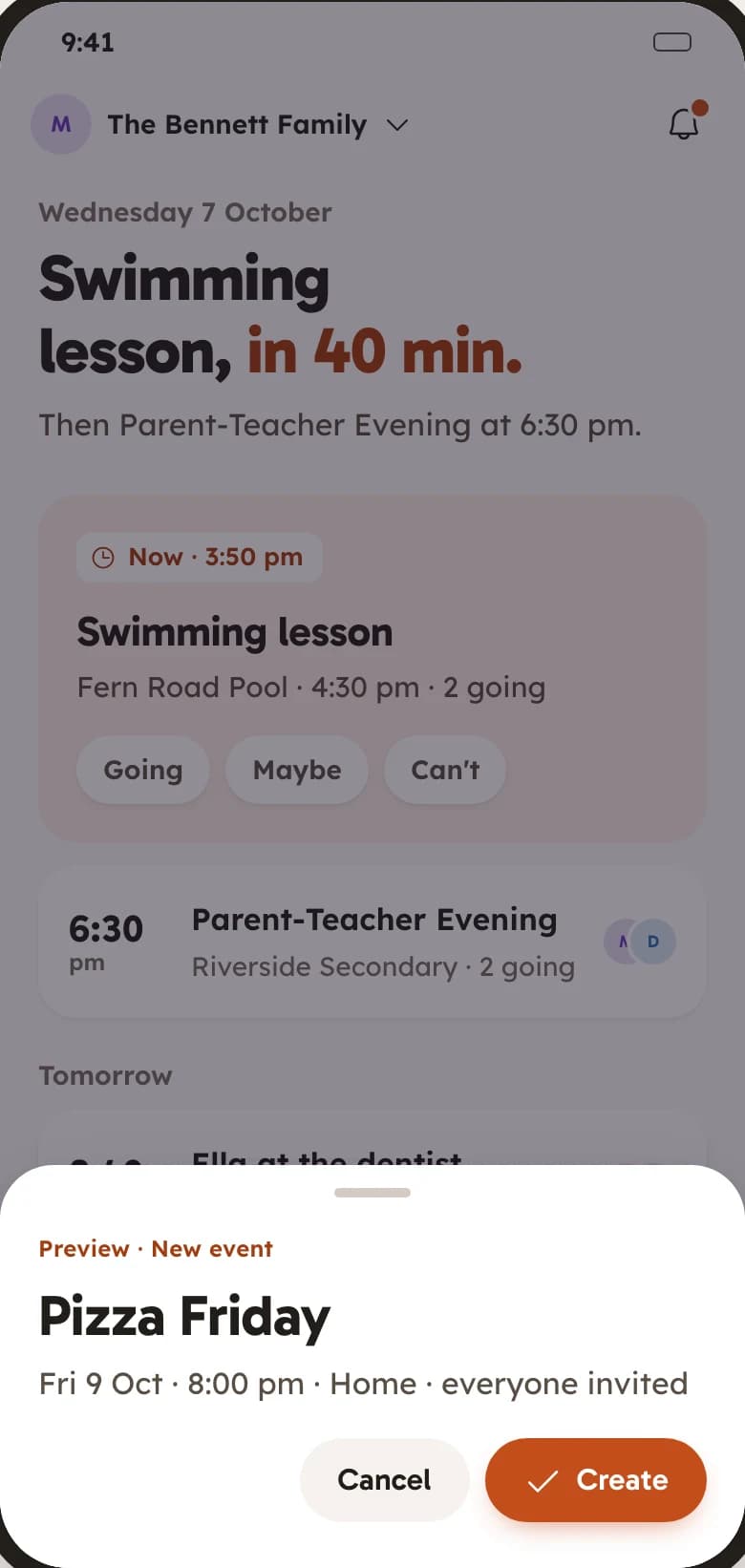
Hold the mic and talk. “Pizza Friday at 8” becomes a real event. “Add oat milk” lands on the list. No typing, no forms.
- Events, list items and posts
- Learns your usual picks
- No daily cap
Your family's calendar, lists, chat and memories, all in one calm home.
Free on Android. iOS coming soon.
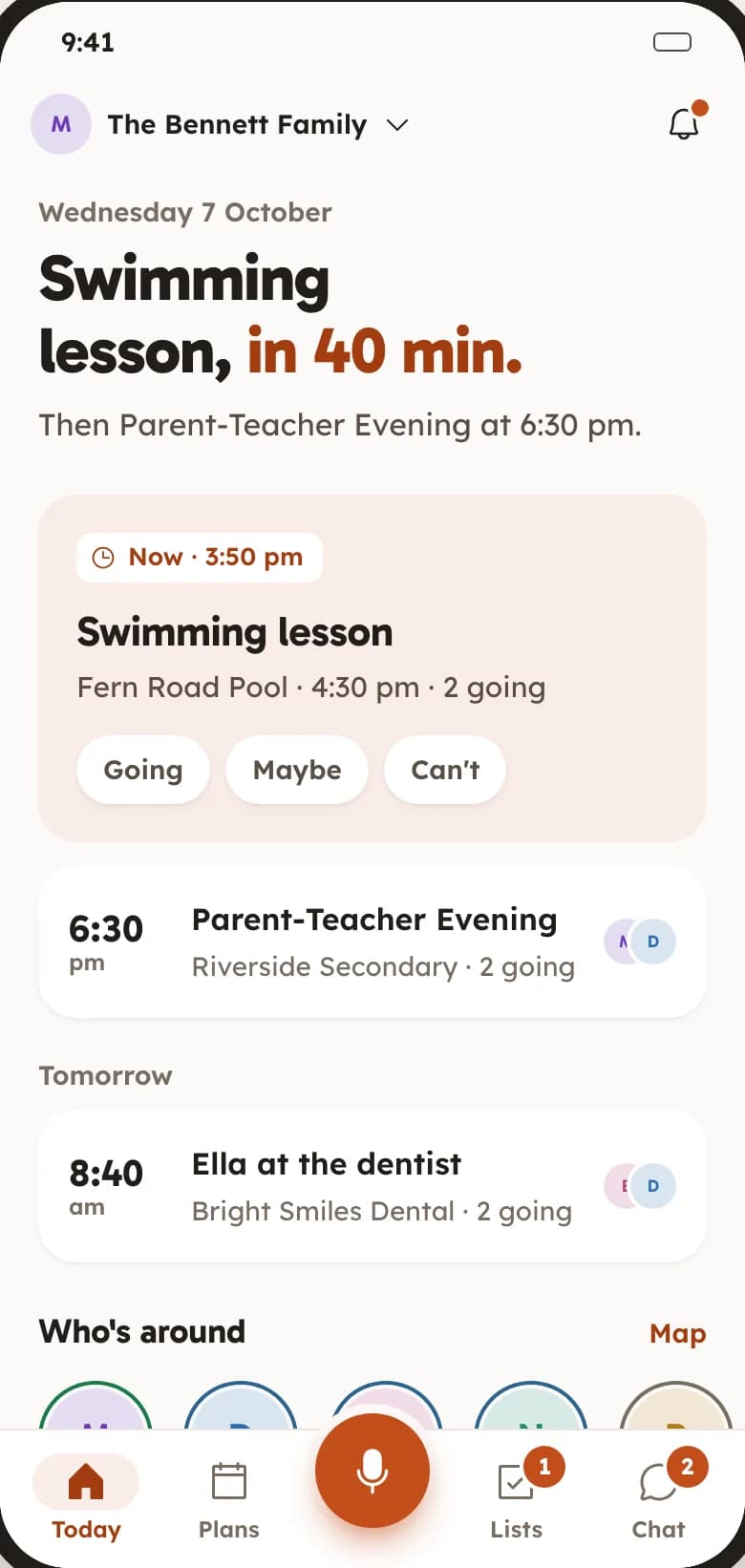
Somebody in every family ends up holding it all in their head. FAM puts the whole week in one private place, so the plans, the people and the memories stay together and nobody has to be the one who remembers.
The same screens you will find in the app.
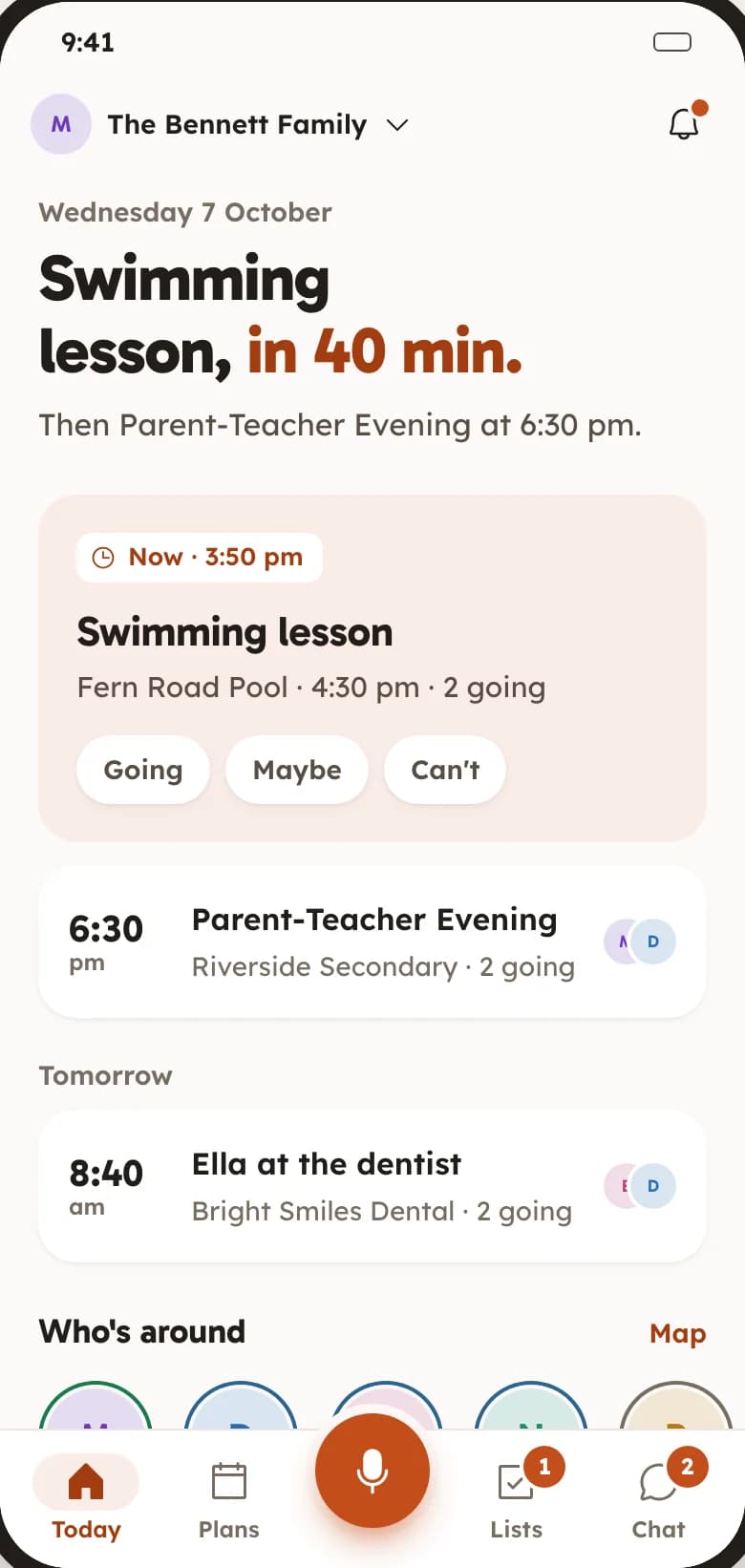
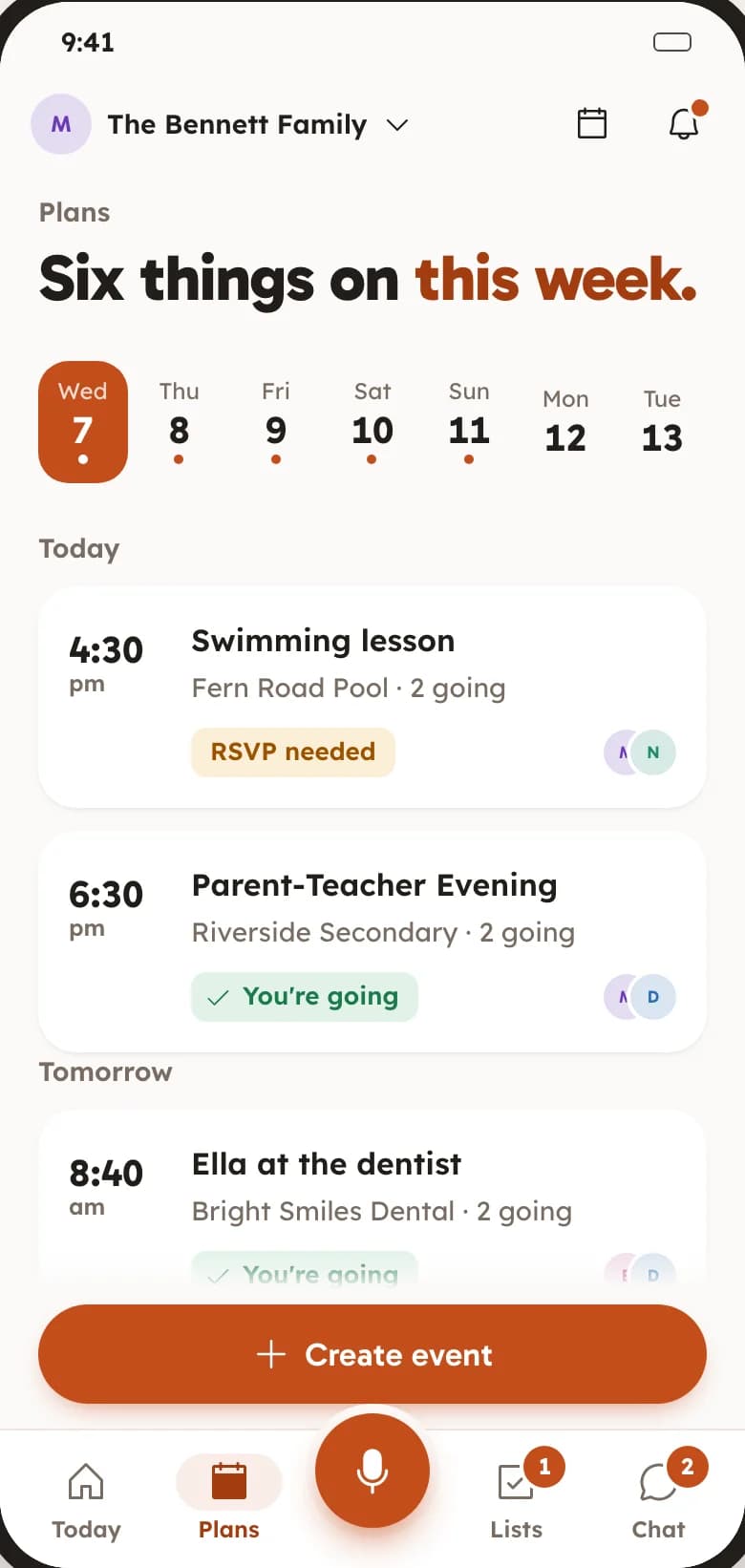
One app instead of a calendar app, a notes app, a group chat, a photo album and a shared spreadsheet.
Hold the mic and talk. “Pizza Friday at 8” becomes a real event. “Add oat milk” lands on the list. No typing, no forms.
Plan dinners, trips and appointments on one calendar the whole family sees, with RSVPs so you know who is coming.
Going, maybe, can’t. Itineraries and time blocks. Add to your phone calendar.
Shopping, packing, chores. Everyone checks things off in real time and can see who did what.
Real-time check-off. Suggestions as you type. Progress at a glance.
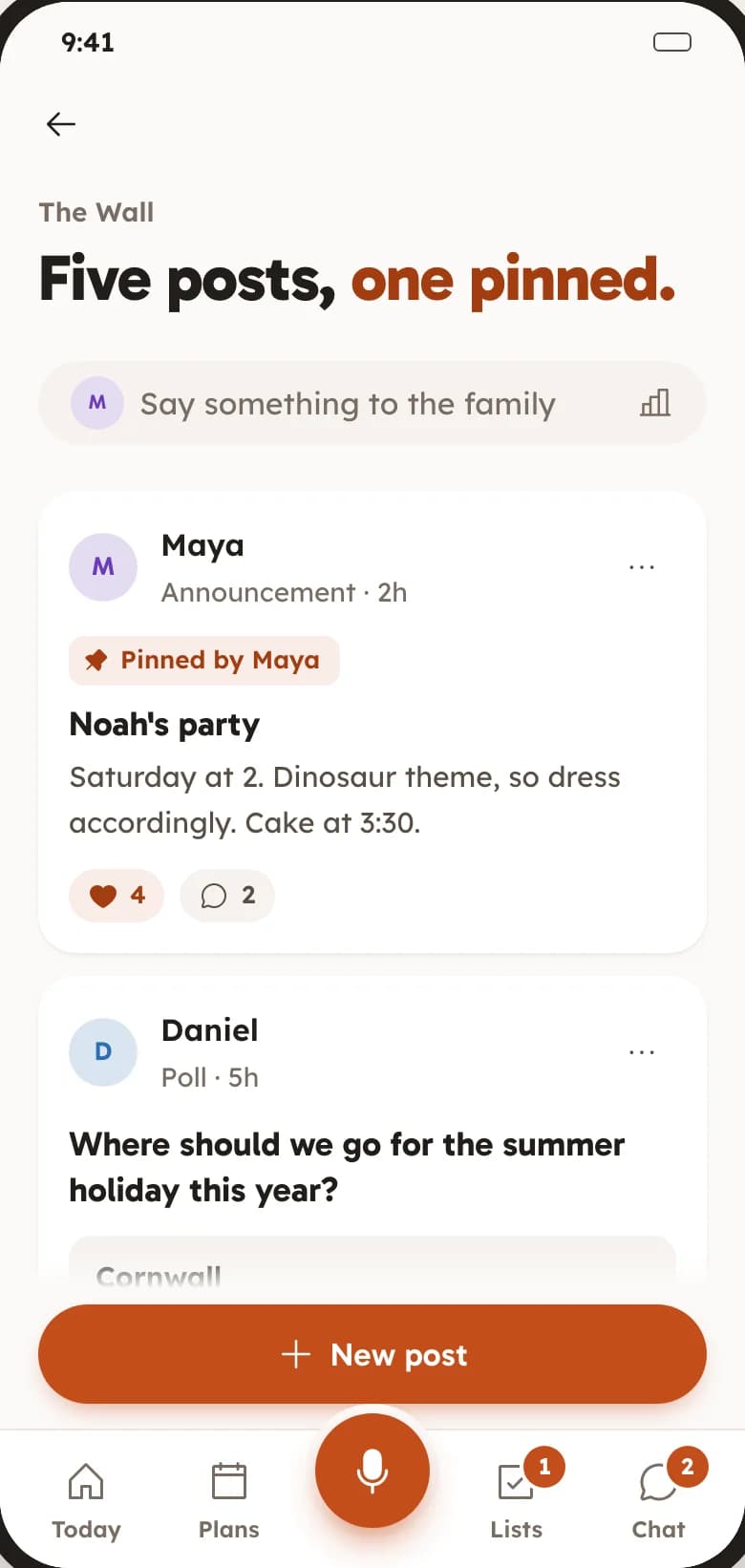
A feed for the things that should not scroll away, and a chat for the quick back-and-forth, side by side.
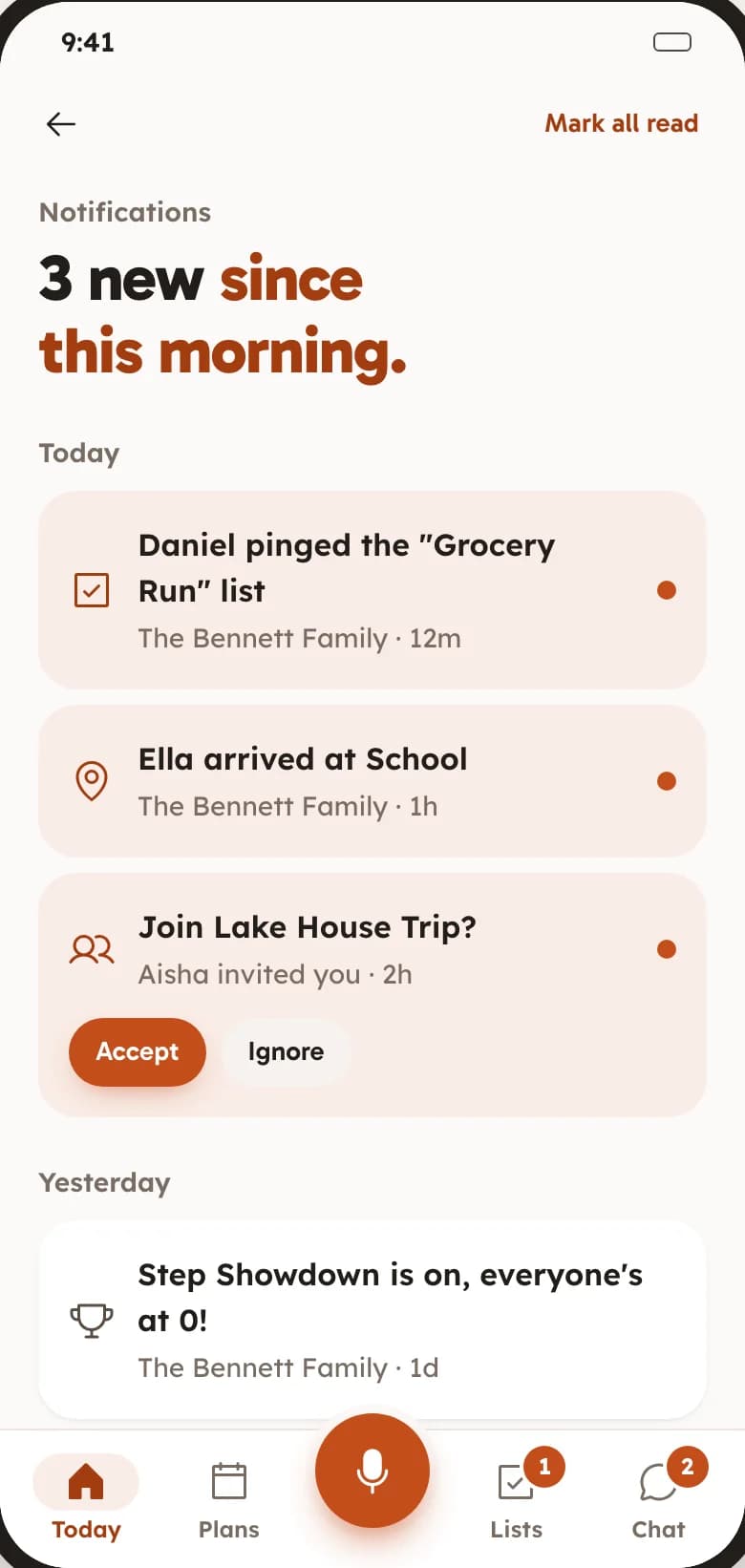
Polls and pinned posts. Reactions and comments. Push notifications.
Every photo and video in one shared vault, full resolution, attached to the event it came from.
Photos and videos. 100 GB per family. Captions and comments.
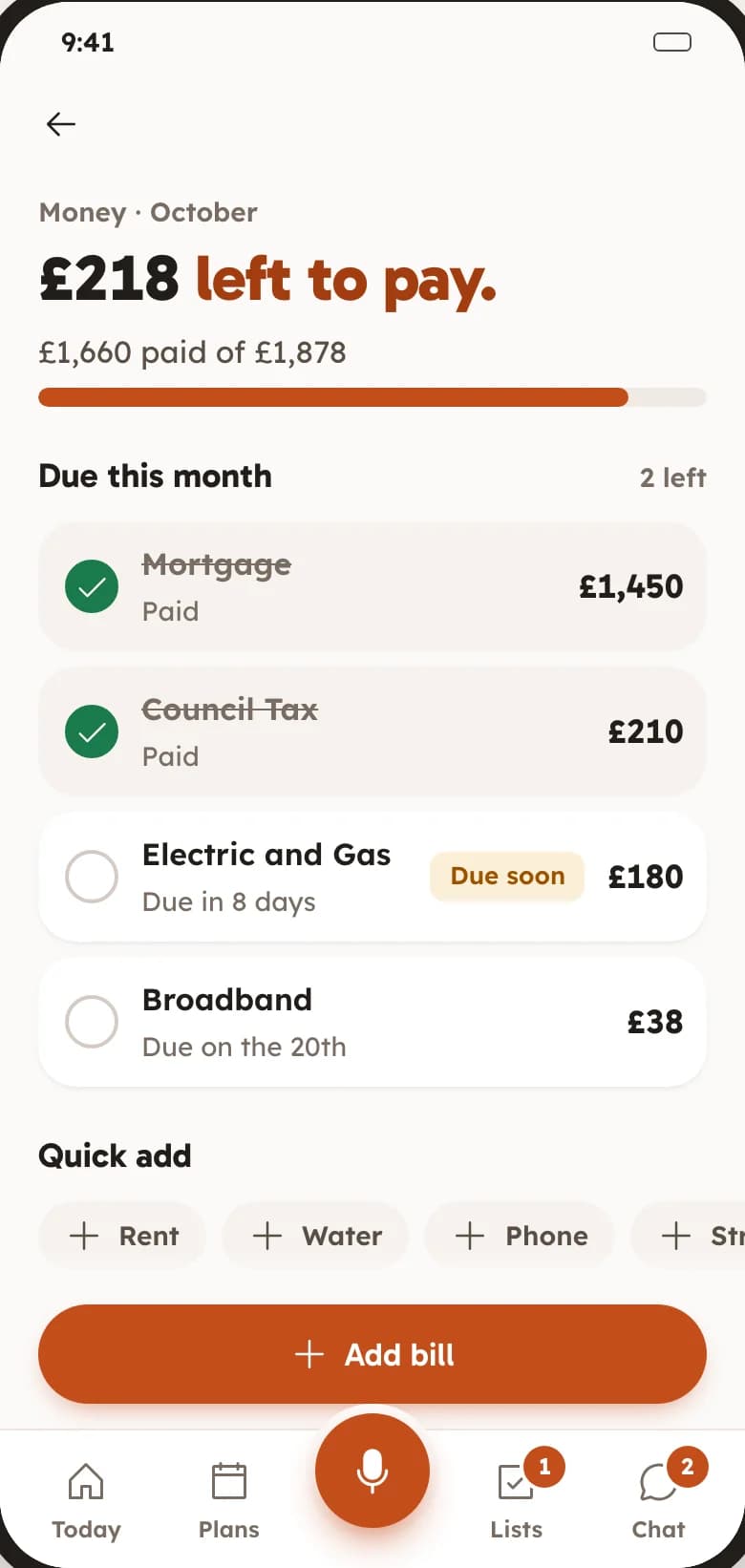
See what is due, what is saved and what is for dinner, without a spreadsheet or a fridge magnet.
Shared bills, split fairly. Savings goals. Weekly menu and recipe box.
Family map and safe zones, Fitness challenges, Activity insights, Document vault, Birthday reminders, Themes and accent colours.
A Space is a private home for one group. Make one for your family, then another for the housemates or the trip if you like.
Share an invite link. Each person installs FAM or opens it in a browser, joins the Space and sees the same calendar, lists, wall and memories.
Hold the mic and talk. FAM files it where it belongs: an event on the calendar, an item on a list, a post on the wall.
Not a trial, not a teaser, not five people and then a paywall. Everything below is switched on the moment you make a Space, for everyone in it.
Something else? Email support@keepitclose.app
Yes. Every feature is on for every member from the moment you create a Space. There is no trial, no card, no ads and no paid tier waiting behind a limit.
Families first: parents, kids, grandparents, and anyone else who shares the calendar and the fridge. A Space works just as well for housemates or a travel group. FAM is for people aged 13 and over.
A Space is invite-only, so only the people you add can see what is in it. We do not sell data or show ads. You can delete your account, and everything in it, whenever you like.
Not yet. FAM is on Google Play today and the iOS app is in the works. Until it arrives, anyone on an iPhone or a computer can sign in at keepitclose.app and use the same Space in a browser.
Anything you would say to the family. “Sunday roast at 1” makes an event. “Add nappies” goes on the list. “Post: Ella scored today” lands on the wall. FAM works out the where, when and how many.

Free on Google Play today. No card, no trial timer, no upsell.
Get FAM on Google PlayiOS coming soon